

Red
The paint. Stripes, the CS and anything that should stand out.
- HEX
- RGB
- HSB
- CMYK
Brand guide
Our logo
We are very proud of our logo. Follow these guidelines to ensure it always looks its best. Our logo is the combination of Elliot, our paintbrush, and custom slanted lettering on two red stripes, for a look that is bold, clean and a little punk.
Our logo can be used in the following five (5) styles. Each one comes in full color, for white and light backgrounds, and inverse, with a cream outline for navy, red and other dark backgrounds.
Our main badge logo is the full version of our logo. Use it first, anywhere people may be meeting CS Painting for the first time.
For white and light backgrounds.
For navy, red and dark backgrounds.
Elliot above the name, without the badge. Use this version on digital and printed material where the main logo doesn't fit the space.
For white and light backgrounds.
For navy, red and dark backgrounds.
Elliot beside the name. Use this version in wide, short spaces such as a website header, an email signature or the side of a truck.
For white and light backgrounds.
For navy, red and dark backgrounds.
The name by itself. Use this version where Elliot already appears nearby, or where the space is too short for him.
For white and light backgrounds.
For navy, red and dark backgrounds.
Use the icon in small spaces where the CS Painting name would be too small to read, such as a social profile picture, a hat or a website tab.

For white and light backgrounds.

For navy, red and dark backgrounds.
Backgrounds
The full-color logo is for white and light backgrounds. On dark or colored backgrounds, use the inverse version. These are the preferred background colors.
Wireframe
Every piece has a job. The other logo styles are these same parts, rearranged by our designer. Don't rearrange them yourself.
Exclusion zone
Keep clear space on every side of the logo equal to one third the height of Elliot, measured from the top of the paint to the bottom of his handle. Nothing else enters this space: no text, photos or page edges.
Minimum size
Below these sizes the details fill in and the name gets hard to read. If the space is smaller than these, switch to the icon.
Logo misuse
The logo should always look the same. Don't change it, add to it or rearrange it.
Logo animation
Elliot drops in, lays down a stroke of red paint and lands in the badge. Use the animation to open or close a video, on screens at an event and in social posts.
This is the wide web version, without sound. For the tall version or the see-through version for video editing, text bahlr at 208.966.2400.
Our colors
This primary palette should be used on all branded materials. These colors are the foundation of our brand.
The paint. Stripes, the CS and anything that should stand out.
The outline. Lettering, body text and dark backgrounds.
The canvas. Soft backgrounds and the outline on our inverse logos.
Use these pairs for text. Each one has been checked so the words are easy to read.
Good for any text
Headlines and large text only
Our fonts
The lettering in our logo was drawn by hand for CS Painting, so it is not a font you can type with. For everything else we use two fonts that sit well beside it.
Custom, slanted and squared off, made only for our name. Never retype CS Painting in another font to stand in for the logo. Use the logo files.
Our headline font, and the closest match to the lettering in our logo: tall, tight and squared off. Use Bold for headlines and big numbers.
Free from Google Fonts.
CapitalsABCDEFGHIJKLMNOPQRSTUVWXYZ
Lowercaseabcdefghijklmnopqrstuvwxyz
Numbers and symbols0123456789 & ! ? @ # $ % ( ) + . ,
Our everyday font. Plain, sturdy and easy to read. Use it for paragraphs, buttons, labels and captions.
Free from Google Fonts. This guide is set in Barlow.
CapitalsABCDEFGHIJKLMNOPQRSTUVWXYZ
Lowercaseabcdefghijklmnopqrstuvwxyz
Numbers and symbols0123456789 & ! ? @ # $ % ( ) + . ,
SemiboldSandpoint, Idaho
How a label, headline and paragraph look together.
Interior painting
Not just painted. Dialed in.
Paragraphs are set in Barlow Regular in navy, with comfortable space between the lines so they are easy to read on a phone.
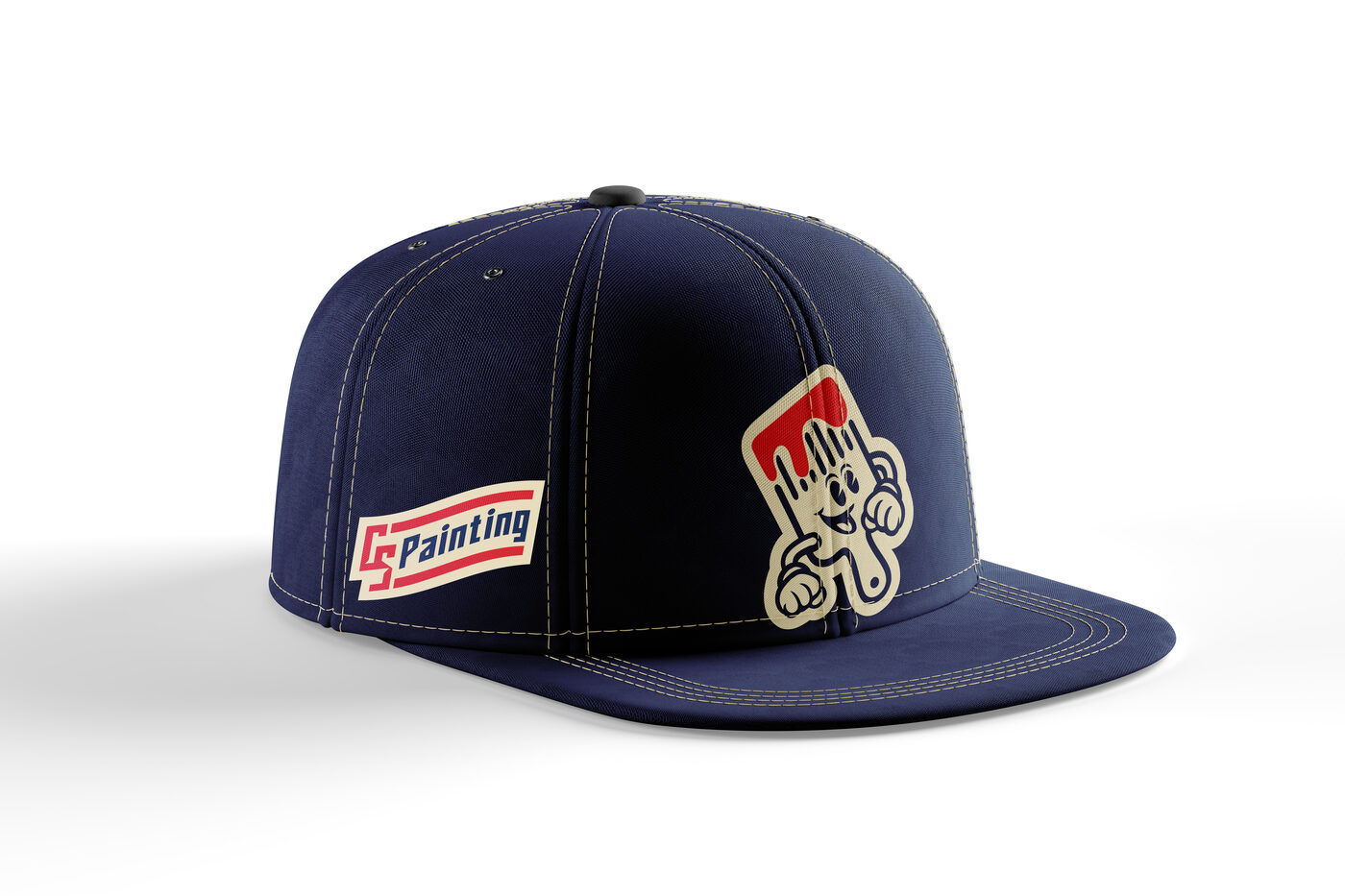
On the crew
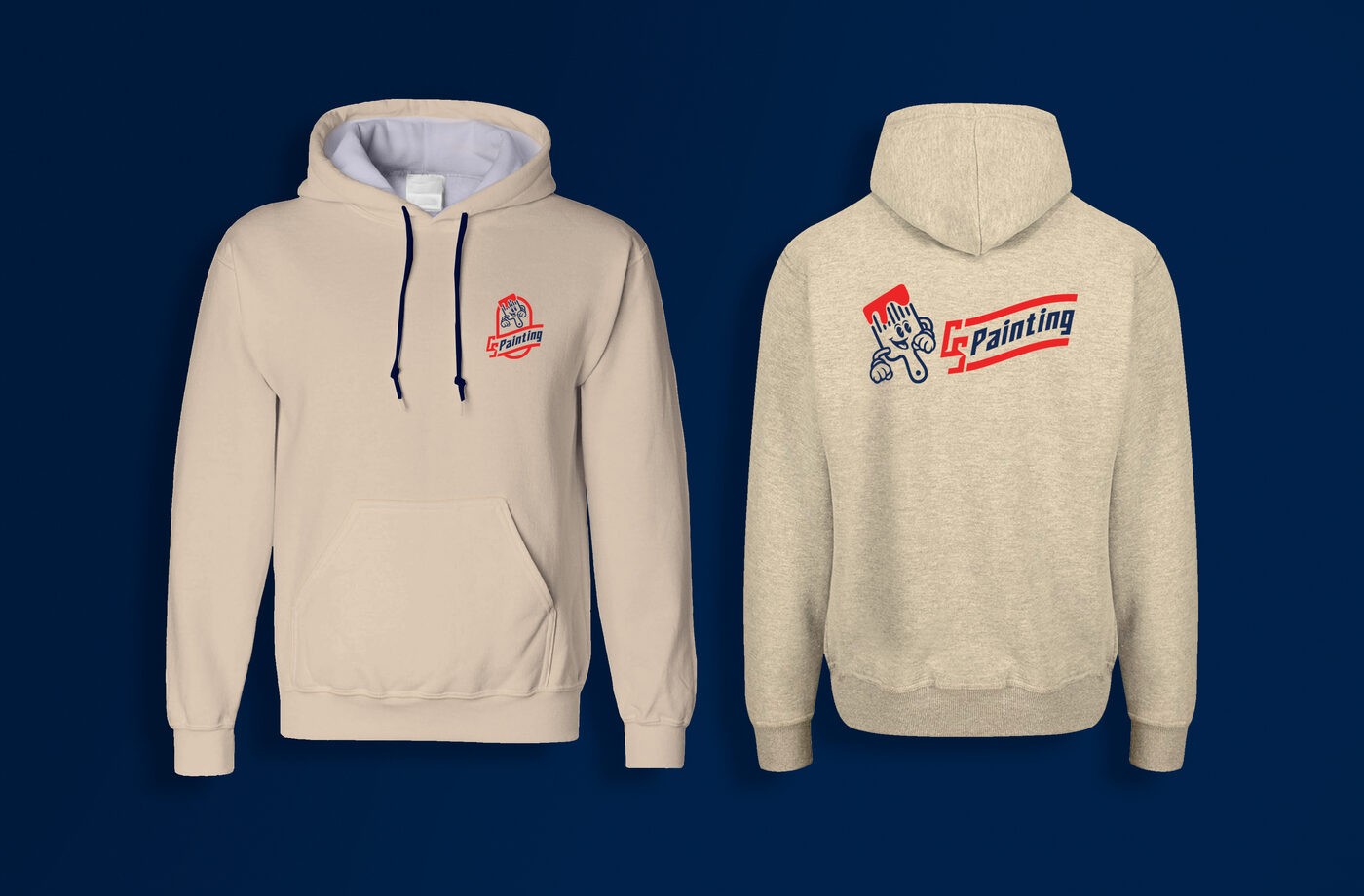
How the logo sits on gear. Elliot goes up front, and the name backs him up.
Which file to use
Every file is in the brand package. When someone asks for "the logo", this is what to send.
SVG or PNGPNG centered on cream or navyPDF. Printers prefer it.SVG or PNGPDF for the print or embroidery shopPDFMP4 or the see-through version from bahlrThank you
If you have trouble with anything in this guide, are missing files from your brand package, or aren't sure a piece fits the CS Painting brand, text bahlr at 208.966.2400.
Social media
Placing the logo on social media
Use the icon as the profile picture and an inverse logo in the banner. Ensure the logo has space on all sides.